
HotPlug Field Kit; 110V
Transport a live computer without shutting it down
Power override device
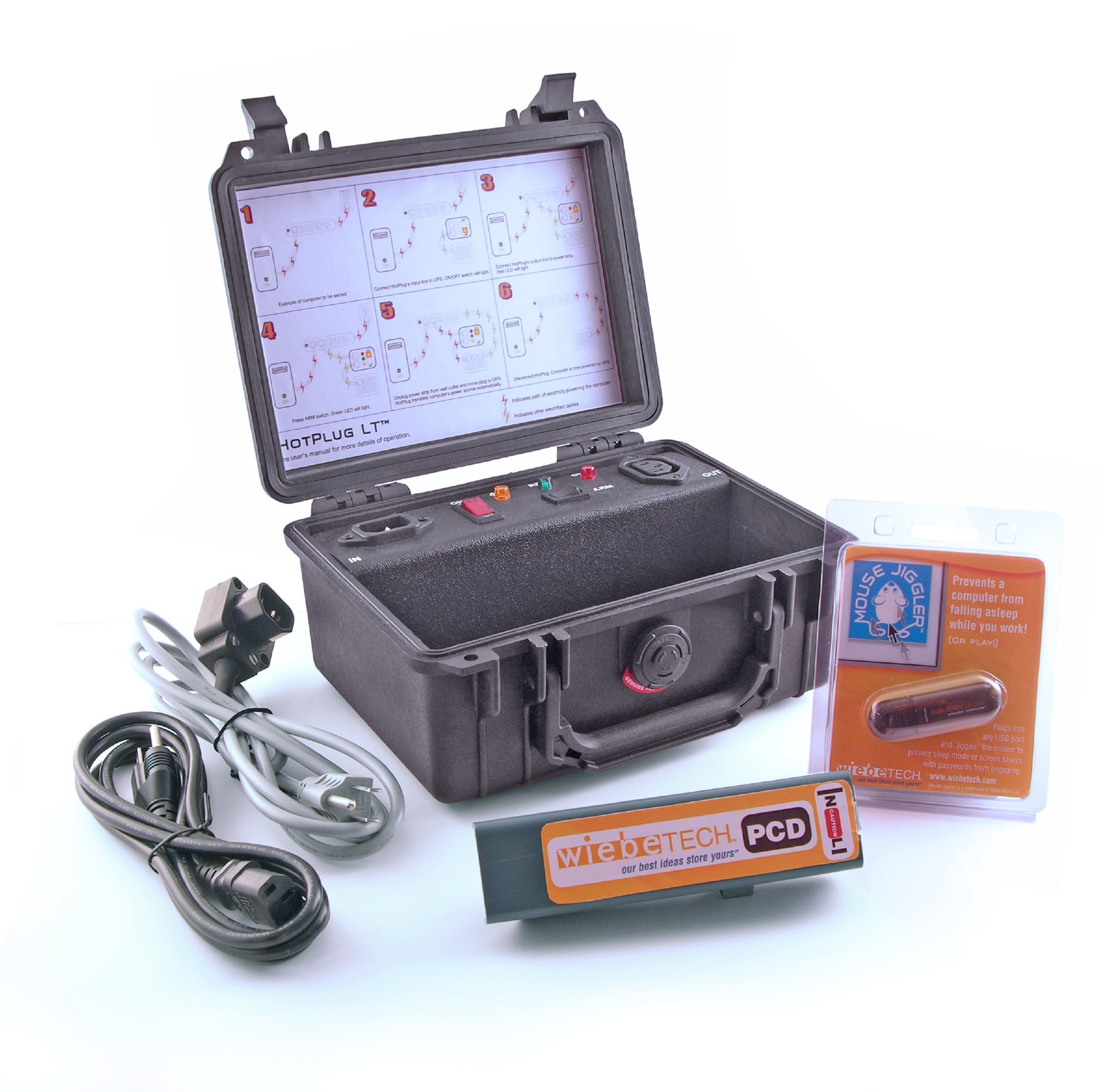
| Part Number | 30100-0000-0021 |
| Product Name | HotPlug Field Kit |
| Patent | U.S. Patent No. 8,076,798 |
| Handle | Yes |
| Power switch | 2 position: On / Off |
| Dimensions | 9.13" x 7.56" x 4.37" (232mm x 192mm x 111mm) |
| Weight | 2.35 lbs. (1.07 kg) |
| Compliance | TAA |
| Warranty | CDSG provides a 2-year limited warranty for this product. |
| Technical Support | Your investment our product is backed up by our free technical support for the lifetime of the product. If you need to contact us for any reason, visit our website. |
About HotPlug Field Kit
With the CRU® WiebeTech® HotPlug™ you can transport a computer without shutting it down.
The HotPlug allows hot seizure and removal of computers from the field to anywhere else. The HotPlug's patented technology keeps power flowing to the computer while transferring the computer's power input from one A/C source (such as a wall outlet or power strip) to another (a portable UPS) and back again.
We created this product for our Government/Forensic customers, but it has IT uses as well. Need to move a server without powering it down? The HotPlug can do it.
It's great for digital forensic investigators and techs who can't risk losing access to data on a running computer. With many computers now employing full-disk encryption, shutting them down poses the risk of having to crack a password after moving the computer to a lab for analysis, which can greatly increase the time and expense of an investigation. When combined with a WiebeTech Mouse Jiggler™, you also won't have to worry about the computer entering password-protected screensaver or sleep modes.
Whether you're a forensic investigator, technician, or IT manager, the CRU WiebeTech HotPlug is an essential part of your toolkit. Find a reseller near you or buy online.
- Computer seizure while computer is running
- IT and forensic uses
Included Items
The HotPlug Field Kit includes the following items:
- Input power cable
- Output power cable
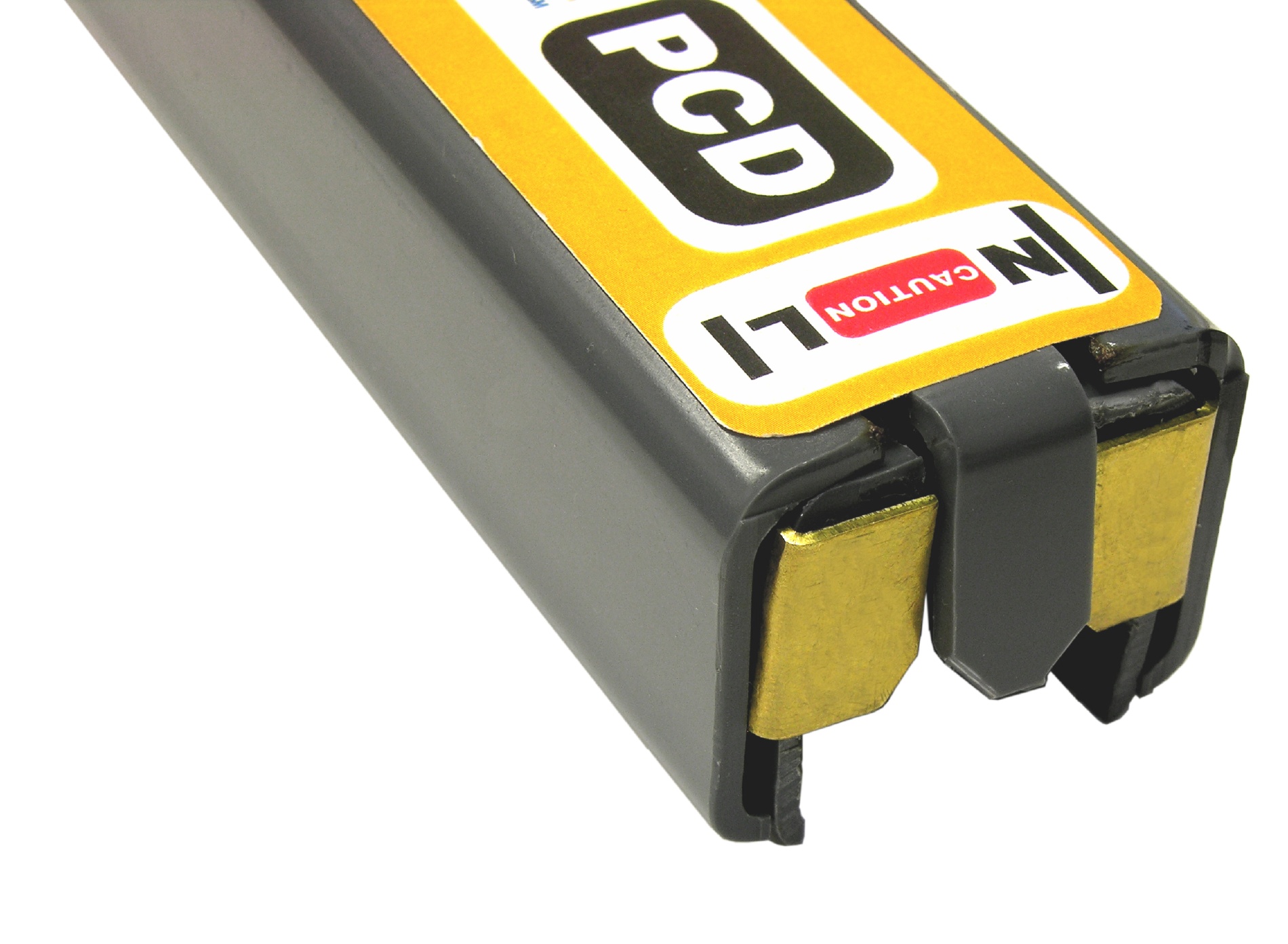
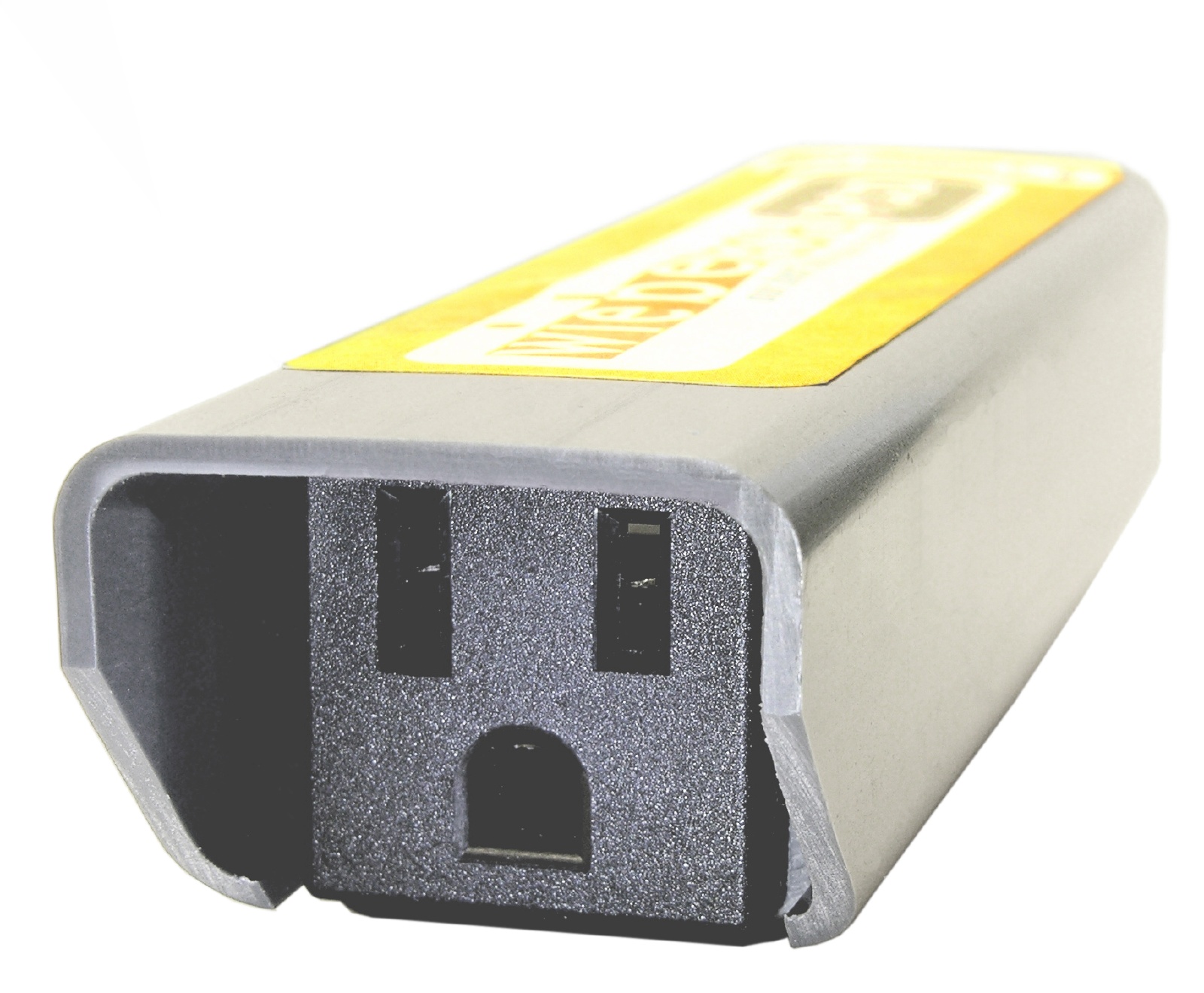
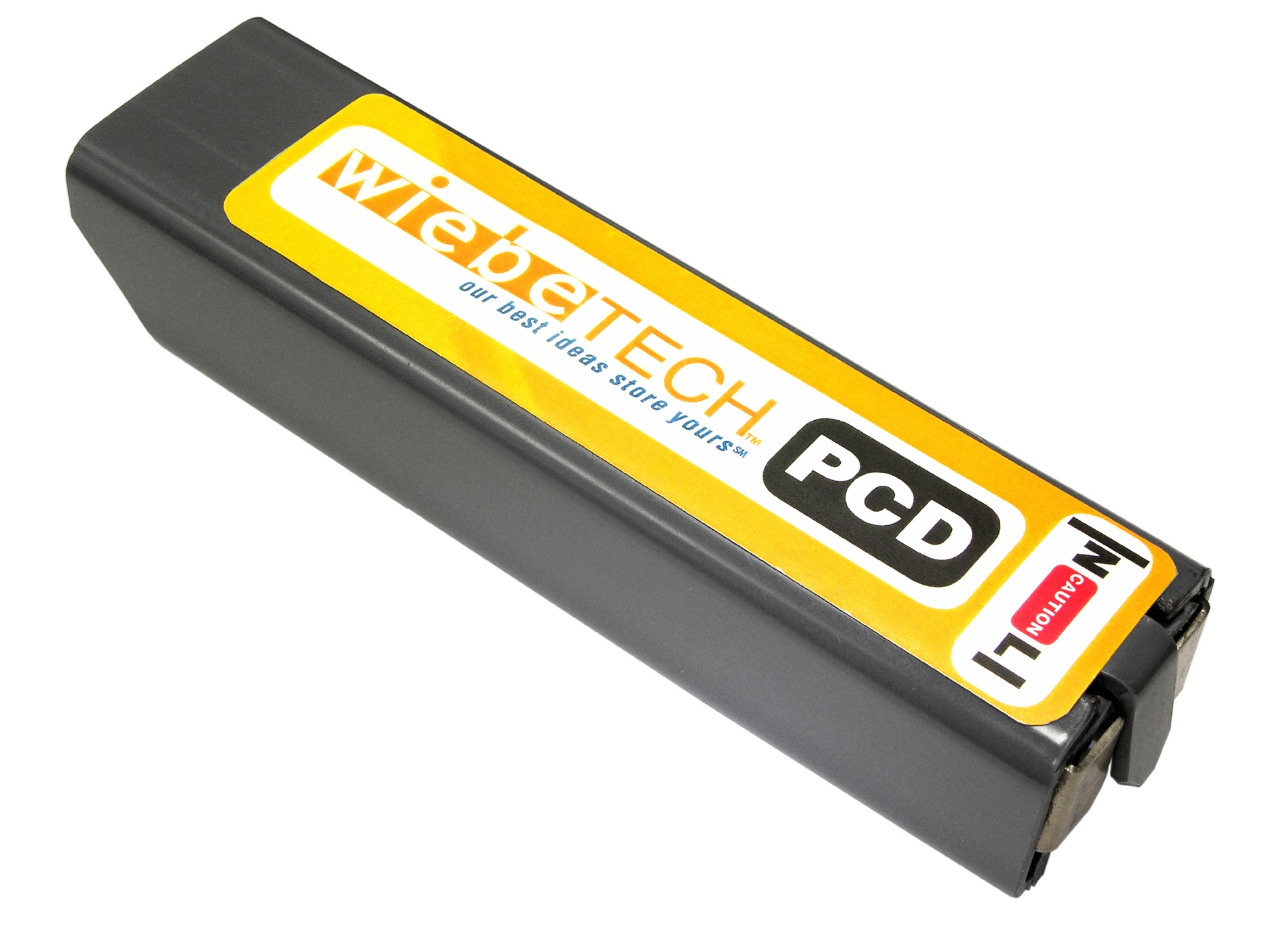
- Plug Capture Device (with US model only)
- Mouse Jiggler MJ-3 MJ-1 (quantity 1 or 5, depending on part number)
Documentation and Downloads

Product Videos
Mouse Jiggler MJ-3
MJ-3 is a simple, programmable USB device for keeping a computer from falling asleep. IT professionals, technicians, digital investigators, and more rely on Mouse Jiggler for work and play.
| HotPlug Field Kit; 110V
Power override device |
|||||||||||||||||||
| US power plugs, includes 1 Mouse Jiggler part #: 30100-0000-0021 |
$599 Call 1-360-816-1800 or email us for availability |
||||||||||||||||||
| US power plugs, includes 5 Mouse Jigglers part #: 30100-0000-0025 |
$641 Call 1-360-816-1800 or email us for availability |
||||||||||||||||||
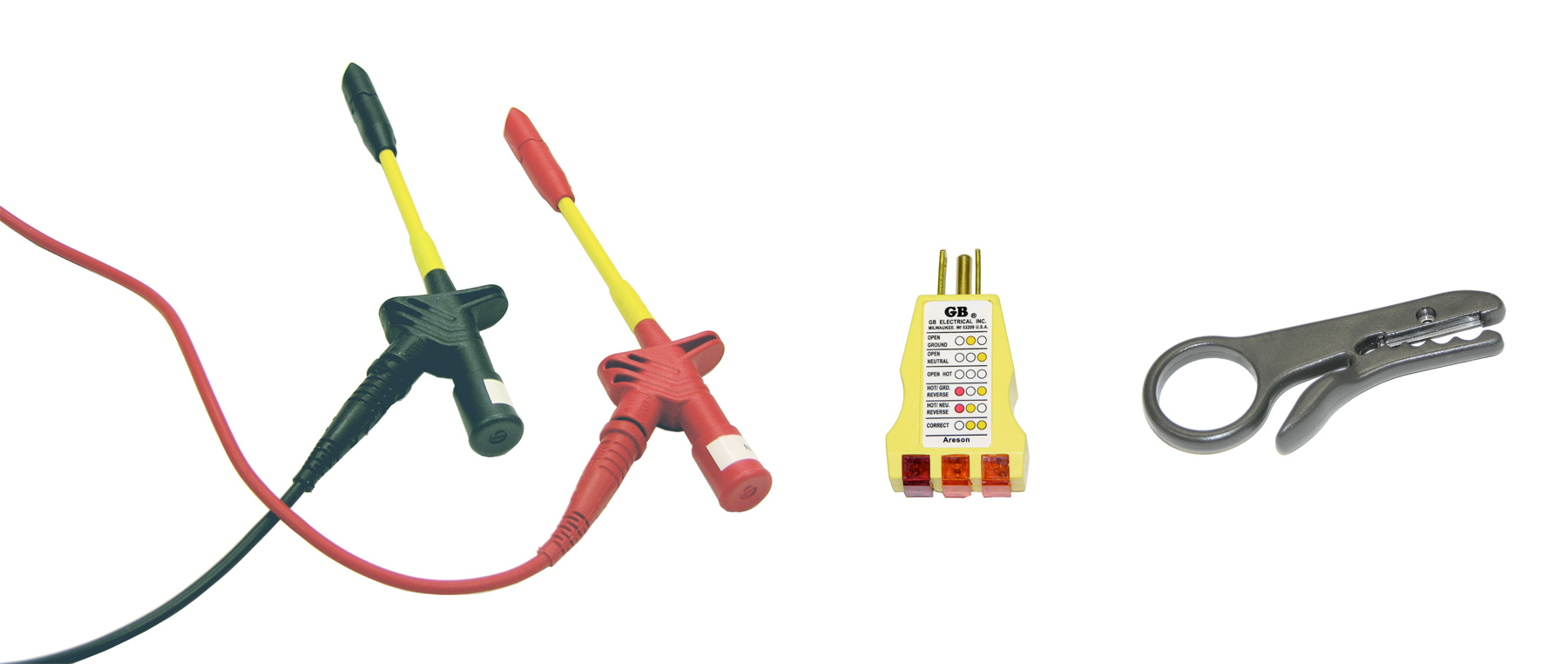
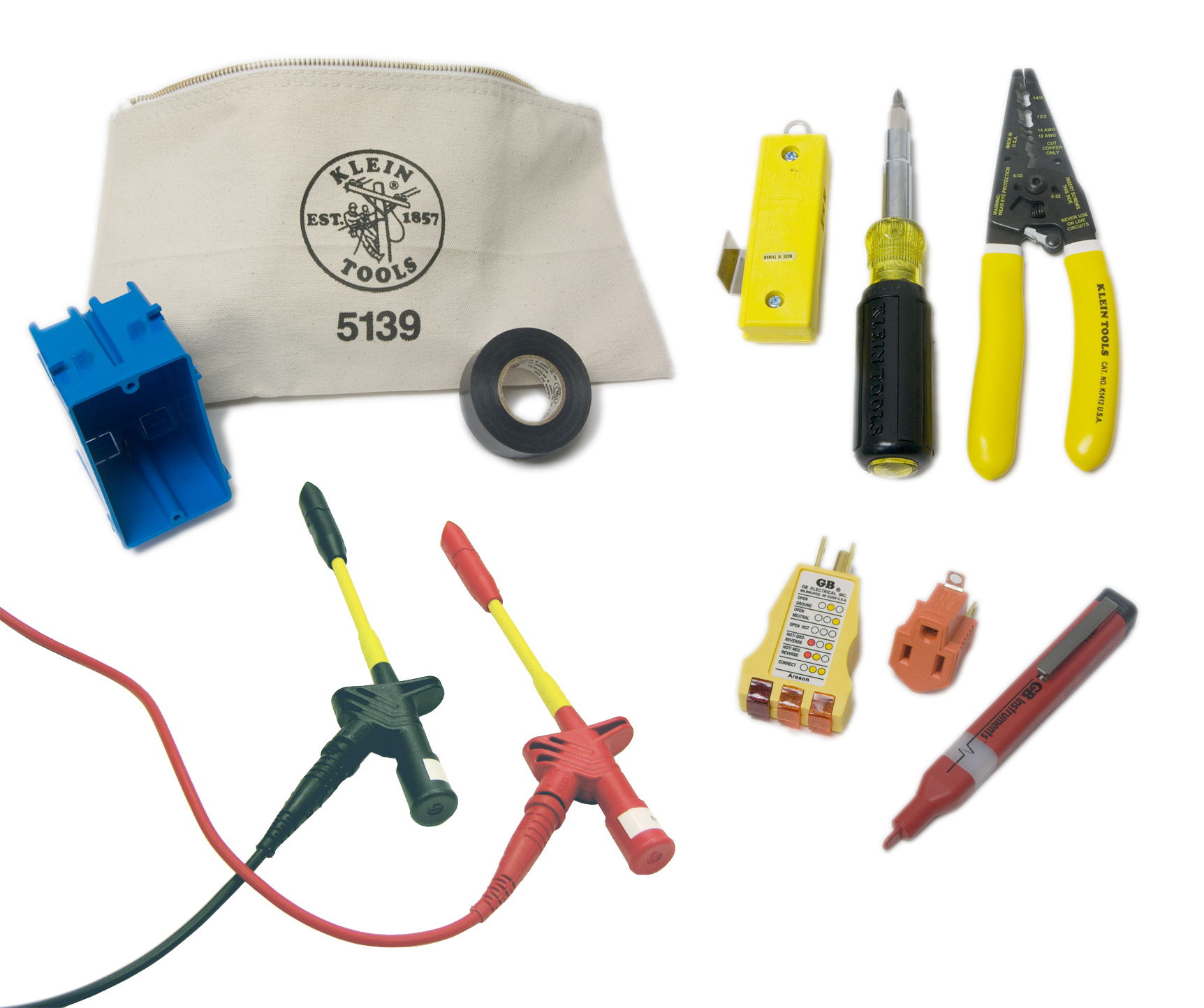
| HotPlug Accessory Kit #1
For HotPlug advanced usage |
|||
| Basic tools part #: 30100-0000-0051 |
$201 |
Call 1-360-816-1800 or email us for ordering information for this item | |
| HotPlug Accessory Kit #2
For HotPlug advanced usage |
|||
| Complete tools part #: 30100-0000-0052 |
$358 |
Call 1-360-816-1800 or email us for ordering information for this item | |
| HotPlug Accessory Kit #1
For HotPlug advanced usage |
|||
| Basic tools part #: 30100-0000-0051 |
$201 |
Call 1-360-816-1800 or email us for ordering information for this item | |
| HotPlug Accessory Kit #2
For HotPlug advanced usage |
|||
| Complete tools part #: 30100-0000-0052 |
$358 |
Call 1-360-816-1800 or email us for ordering information for this item | |
| Mouse Jiggler MJ-1
Automatic mouse activity dongle; slow heartbeat so computer can still be used |
|||||||||||||||||||
| Retail packaging; single unit part #: 30200-0100-0011 |
$16.99 Ships in: 1-2 Days |
||||||||||||||||||
| Retail packaging; 10-pack part #: 30200-0100-0021 |
$139 Ships in: 1-2 Days |
||||||||||||||||||
Need help? Talk with our sales team.
Interested in speaking to a WiebeTech representative about your needs? We’re here to help you find the forensic device that fits your requirements.