
Drive eRazer Ultra
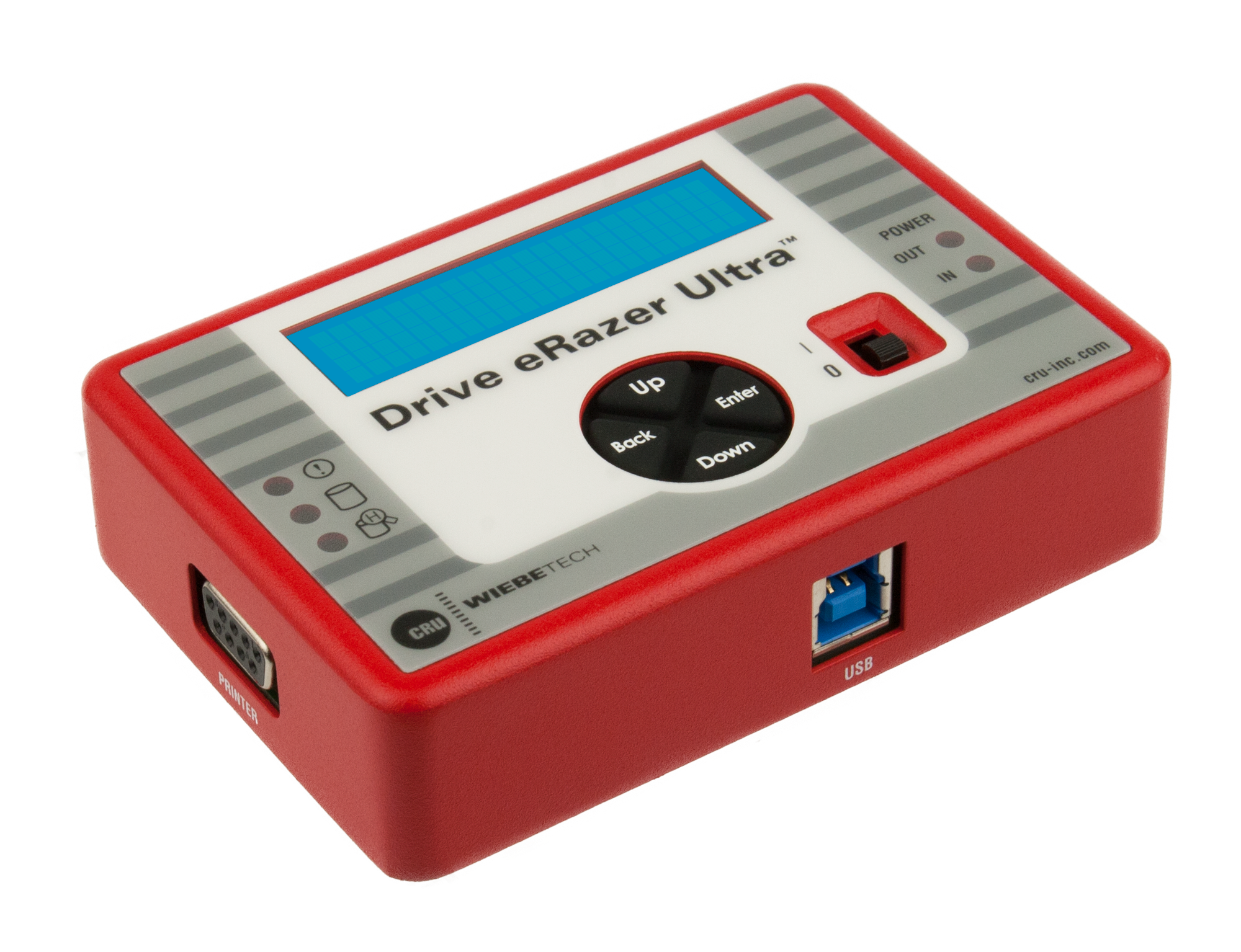
Multi-function device that completely erases all data from a hard drive
Stand-alone product for erasing SATA & PATA hard drives; LCD; multiple modes
| Part Number | 31550-0109-0000 |
| Product Name | Drive eRazer Ultra |
| Patent | U.S. Patent No. 8,090,904 |
| Host (I/O) Ports | (1) USB 2.0: up to 480 Mbps (1) DB9 female serial connector |
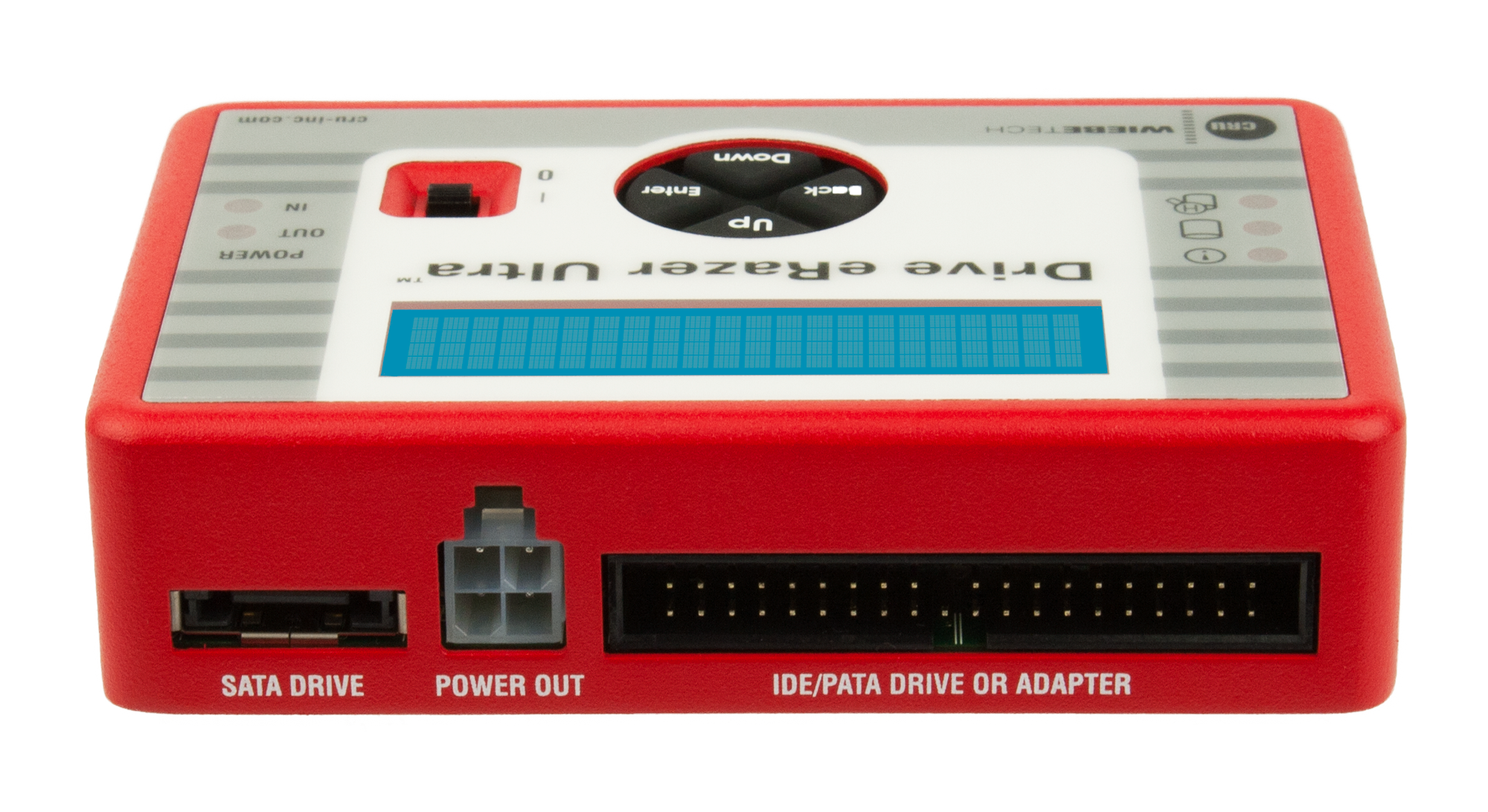
| Drive Types Supported | PATA/IDE 2.5" drives PATA/IDE 3.5 SATA 2.5" drives SATA 3.5" drives SATA SSD (solid state drives) Hitachi 1.8" drives Toshiba 1.8" drives MacBook Air 2010 MSATA Mini PCIe PATA Mini PCIe SATA Mini PCIe USB |
| Sector Size Compatibility | SATA 512n and 512e type drives (incompatible with 4Kn type drives) |
| Compatible Drive Type | One (1) 2.5-inch or 3.5-inch SATA drive |
| Supports S.M.A.R.T. disk info | Yes |
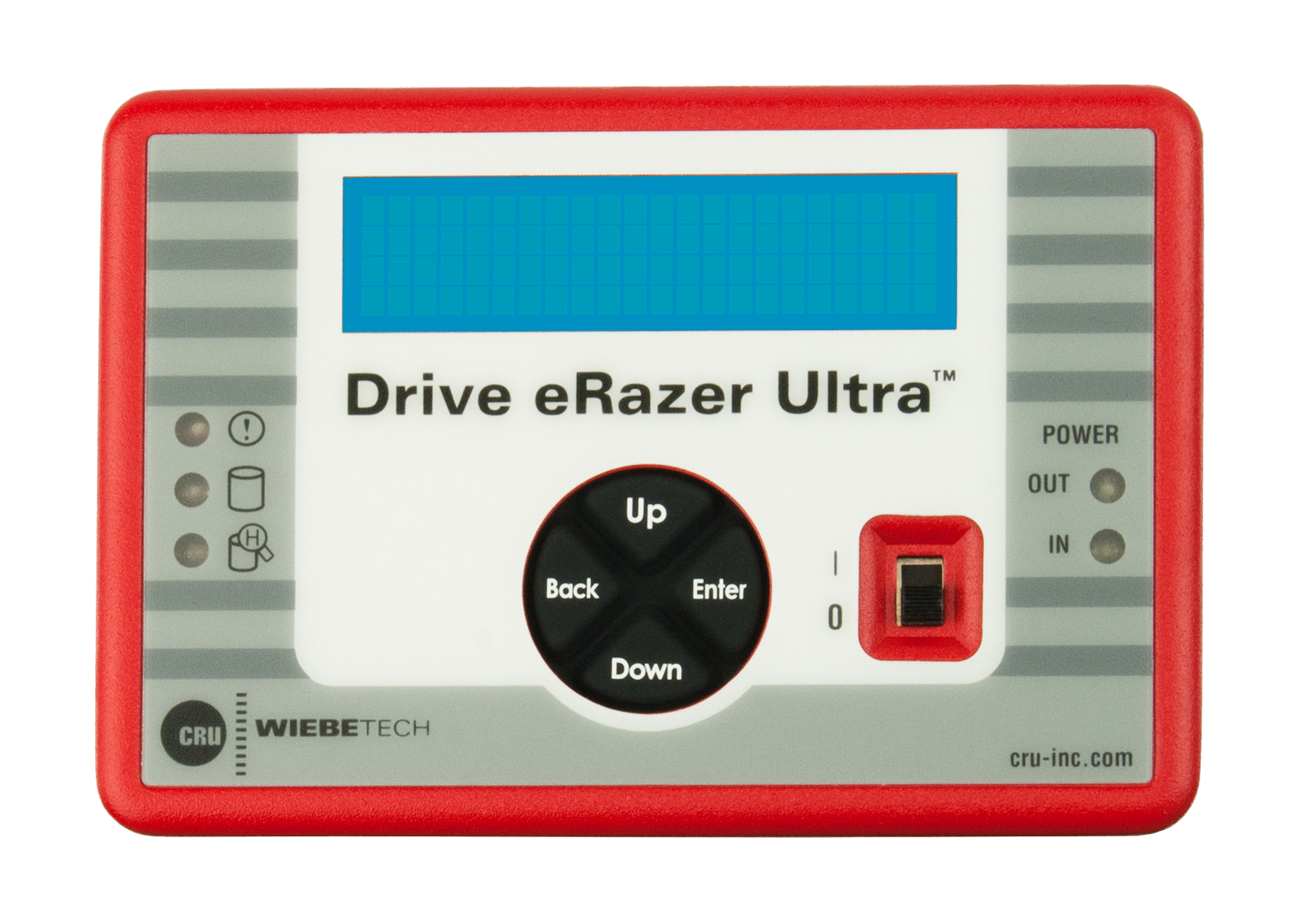
| Number of LEDs | 5 |
| Description of LEDs | Drive access, HPA/DCO detected, error, power input status, power output status |
| LCD Screen | Two-line backlit LCD controlled with four soft-touch menu navigation buttons |
| LCD Info | 2 lines x 16 characters width |
| LCD Backlight | Yes |
| Navigation menu | LCD/button driven menu system |
| Printer Ports | 1 |
| Printer info | (1) DB9 female serial connector |
| Detects/reports HPA/DCO | Yes |
| Allows HPA/DCO override | Yes, user-configurable options |
| Construction material(s) | Rugged aluminum construction |
| Power switch | 2 position: On / Off |
| Dimensions | 2.95" x 4.33" x 1.06" (75mm x 110mm x 27mm) |
| Weight | 0.40 lbs. (0.18 kg) |
| Erase modes | Quick Erase, Custom Erase, Random Erase, Secure Erase Normal, Secure Erase Enhanced, DoD Clear, DoD Sanitize, NIST800-88 Clear, NIST800-88 Purge, CSEC ITSG-06, HMG IS5, DSD ISM 6.2.92 |
| Compliance | FCC, CE, RoHS, C-Tick, RCM, TAA |
| Warranty | CDSG provides a 3-year limited warranty for this product. |
| Technical Support | Your investment our product is backed up by our free technical support for the lifetime of the product. If you need to contact us for any reason, visit our website. |
About Drive eRazer Ultra
Before selling or disposing of an old computer or hard drives, you’ll want to make sure personal and business information is really removed from them first.
Completely erasing a hard drive is more complex than deleting a file or reformatting the drive. To safely sanitize your drive, you need to completely write over every bit. Otherwise, your sensitive data is there for the taking.
No computer needed
The CRU® WiebeTech® Drive eRazer™ Ultra is a stand-alone device that completely and quickly cleans hard drives. Simply connect a drive to the Drive eRazer Ultra and it will sanitize the drive faster than using software, and without tying up your computer.
NEW:
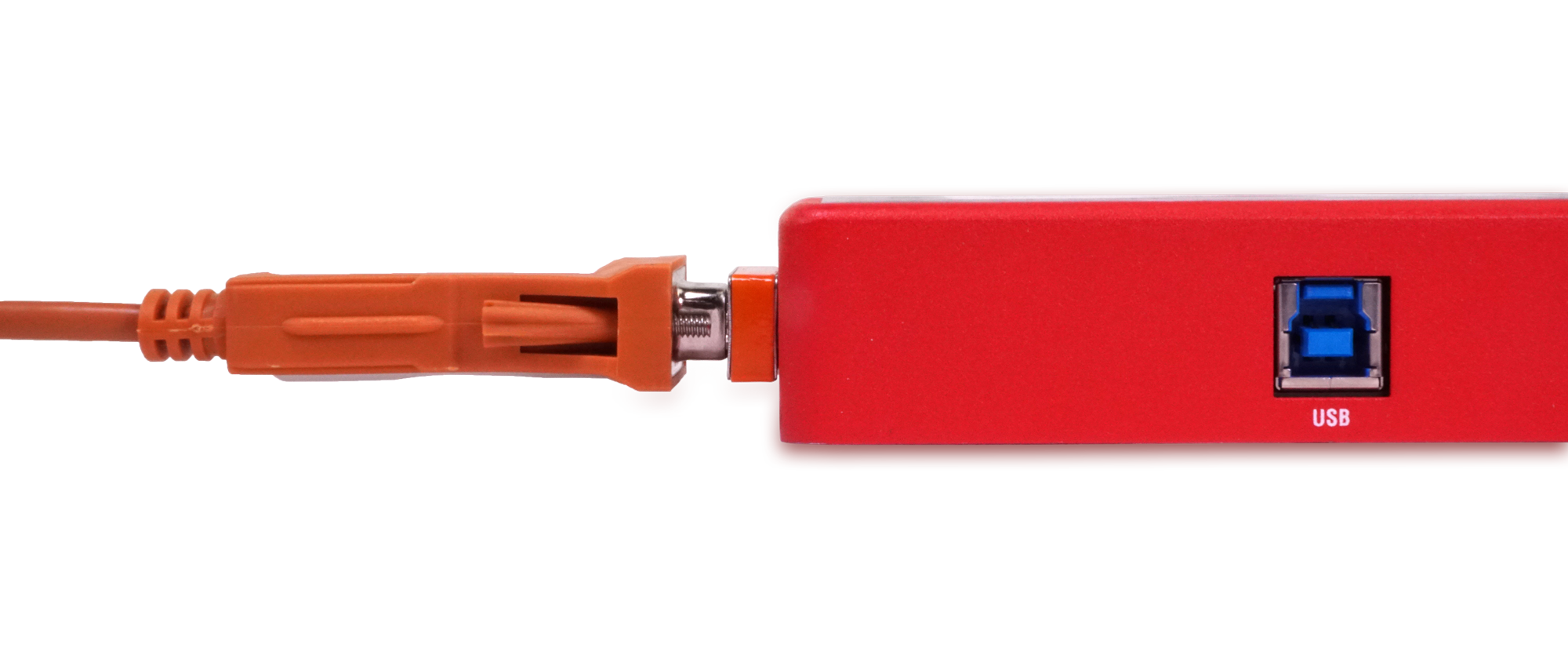
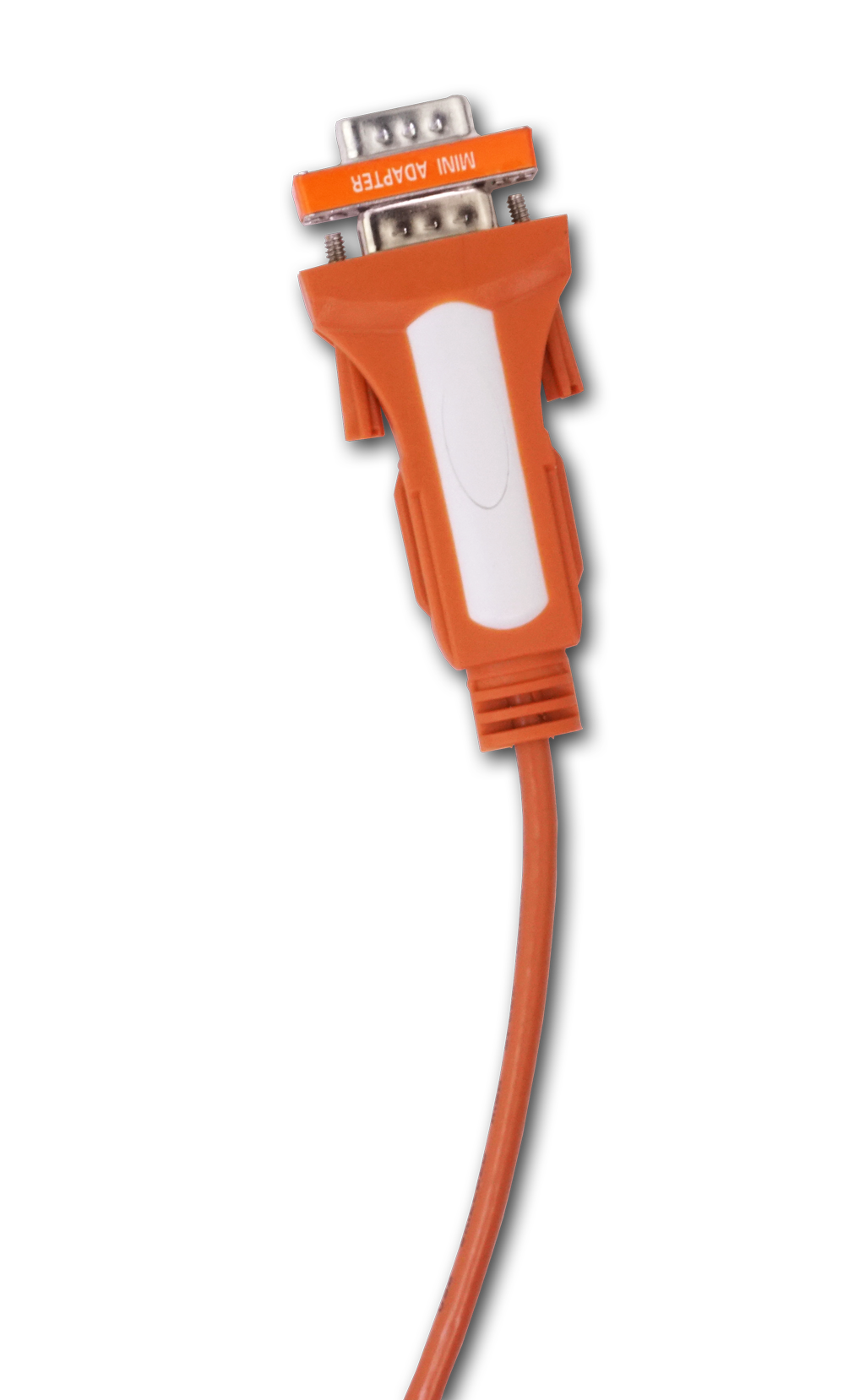
Using the Drive eRazer Ultra Output Cable, it's easy to capture erasure reports. Instead of having to rely on a specialized label printer, this cable and our free Drive eRazer App simplify the process so you can save erasure reports as TXT files on a Windows PC. The app also allows users to look at the hex view of the drive to easily determine if the drive contains data, and to verify that the drive has no data after it's been erased.
The Drive eRazer Ultra leaves the drive ready for safe re-use, and comes with a dozen different preset erase procedures, including US Department of Defense graded methods for data wiping.
Additional features:
- Simple setup and operation with LCD and menu buttons
- USB port for drive previewing and deletion confirmation
- Serial label printer connector*
- Rugged aluminum construction
- 3-year warranty
- Free US-based customer support
Whether you’re an IT manager or business owner, and you want your sensitive information sanitized from a drive, the Drive eRazer Ultra is the perfect tool.
*Serial printers that support ZPL II. Here's a list of known compatible printers.
- Efficient, effective hard drive sanitizing
- Stand-alone operation frees up computers
- Clean hard drive ready for re-use
Included Items
- AC adapter & power cord
- SATA data/power drive cable
- IDE/PATA data cable
- IDE/PATA power cable
- Metal drive plate (for optional use)
- Packet of screws and bumpers
- Quick start guide
Frequently Asked Questions
Documentation and Downloads

| Drive eRazer Ultra
Stand-alone product for erasing SATA & PATA hard drives; LCD; multiple modes |
|||||||||||||||||||
| US plug part #: 31550-0109-0000 |
$299 Ships in: 1-2 Days |
||||||||||||||||||
| UK plug part #: 31551-0109-0000 |
$299 Ships in: 1-2 Days |
||||||||||||||||||
| EU plug part #: 31552-0109-0000 |
$299 Ships in: 1-2 Days |
||||||||||||||||||
| AU plug part #: 31553-0109-0000 |
$299 Ships in: 1-2 Days |
||||||||||||||||||
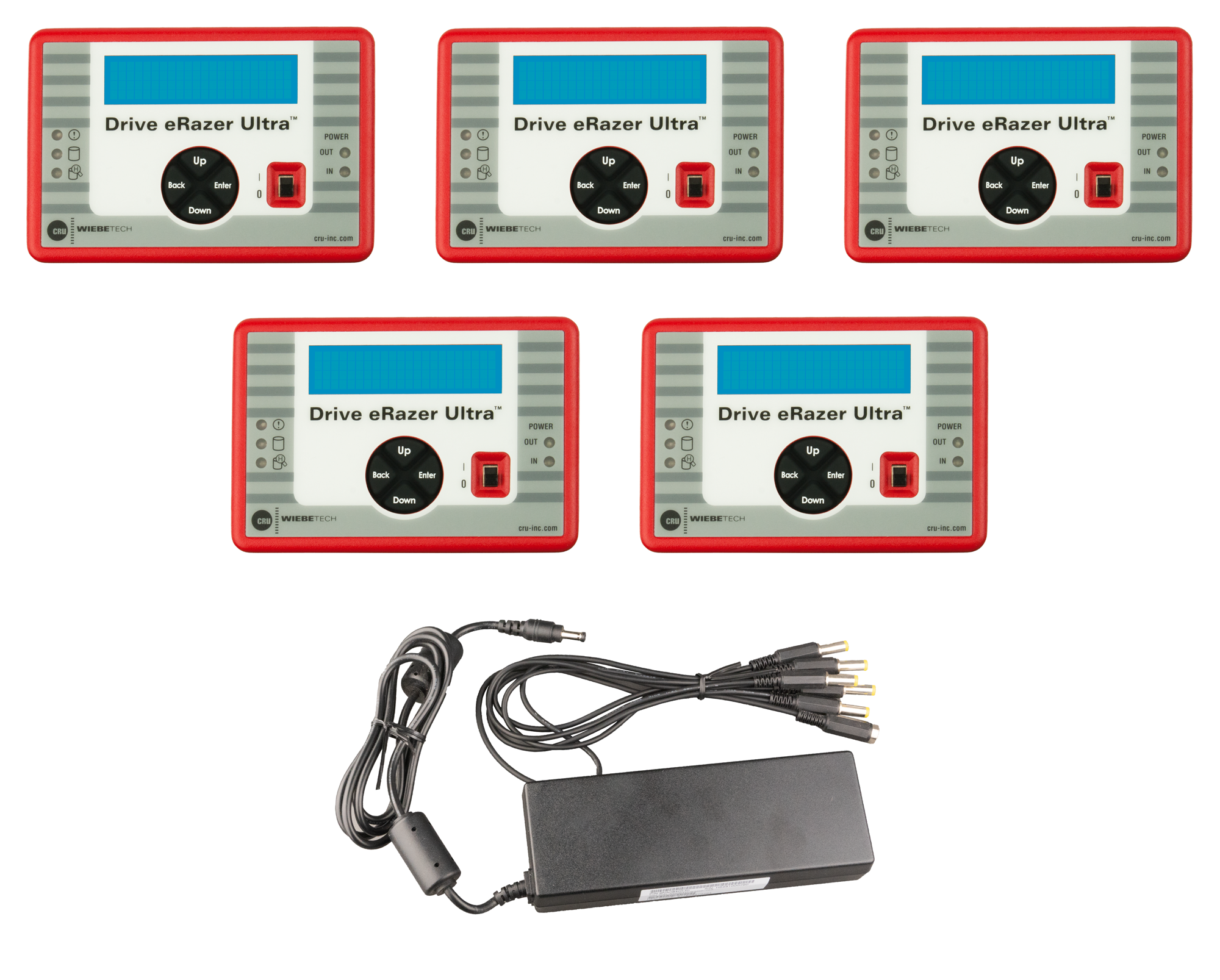
| Bundle of 5 Drive eRazer Ultras
5 complete Drive Erazer units plus the $79 power kit (high-power AC adapter and daisy-chain cable to power all 5 units at once) |
|||||||||||||||||||
| US plugs part #: 31550-0109-0060 |
$1299 Ships in: 3-5 Days |
||||||||||||||||||
| UK plugs part #: 31551-0109-0060 |
$1299 Call 1-360-816-1800 or email us for availability |
||||||||||||||||||
| Daisy-chain Power Kit
High-wattage AC adapter & multi-head power cable; powers up to 5 Drive eRazers or v5/v5.5/v6 docks |
|||||||||||||||||||
| US plug part #: 7100-3000-00 |
$87 Ships in: 3-5 Days |
||||||||||||||||||
| UK plug part #: 7100-3000-11 |
$87 |
Call 1-360-816-1800 or email us for ordering information for this item | |||||||||||||||||
| EU plug part #: 7100-3000-02 |
$87 Ships in: 3-5 Days |
||||||||||||||||||
| Adapter Bundle #7
Includes 7 adapters compatible with v5/v5.5/6 docks, Drive eRazer Ultra, and Ditto |
|||
| 2.5in & 1.8in IDE, ZIF, mini PCIe, mSATA, MBA2010 part #: 31100-0000-0009 |
$344 Ships in: 3-5 Days |
||
| SATA Adapters
Convert various drive types to a standard SATA interface |
|||
| For M.2 SATA SSDs; open top for easy access part #: 31020-0465-0010 |
$34 Ships in: 1-2 Days |
||
| SATA cable | |||
| Data/power combo cable; eSATA + MiniFit; for Ditto, Drive eRazer Ultra, v5/v5.5 docks, or LabDock U5/S5 part #: 7381-0000-09 |
$11 Ships in: 1-2 Days |
||
| AC power adapter, model PWR-3B
12V 3.0A 100-240VAC; barrel connector; for v5/v5.5/v6 docks, DEU, RTX11x-3Q, MoveDocks (2022) |
|||||||||||||||||||
| US power cord part #: 30010-0000-0011 |
$32 Ships in: 1-2 Days |
||||||||||||||||||
| UK power cord part #: 30011-0000-0011 |
$38 Call 1-360-816-1800 or email us for availability |
||||||||||||||||||
| EU power cord part #: 30012-0000-0011 |
$38 Ships in: 1-2 Days |
||||||||||||||||||
| AUS power cord part #: 30013-0000-0011 |
$38 Ships in: 1-2 Days |
||||||||||||||||||
| Drive eRazer Ultra output cable
For connecting Drive eRazer Ultra to a PC via USB for capturing report data |
|||
| DB9m Null Modem to USB2 Type-A part #: 7380-1500-00 |
$44 Ships in: 1-2 Days |
||
Need help? Talk with our sales team.
Interested in speaking to a WiebeTech representative about your needs? We’re here to help you find the forensic device that fits your requirements.