|
|
|
 |
 |
 |
 |
|
|
| |
 |
|
| |
- NPR: Listen to Omar Gallaga discuss the Drive eRazer
 NPR
- "a top notch device that does exactly what it is designed to do without fuss" - Digital Reviews
- "If you plan to resell the drive, you can rest assured that the eRazer has wiped out your data."
 Mac|Life - Awesome Award
- "Drive eRazer is a useful tool, and its hardware based method for eliminating data on a disk is reasonably fast and completely thorough."
 GCN Lab
|
|
|
| |
 |
|
| |
"Cyber Doctors, a team of expert computer consultants in Miami Florida with over 400 clients, routinely use Drive eRazer as an added service to help protect their client's data. Cyber Doctors certified technicians use Drive eRazer to completely wipe client data from drives when they wish to upgrade their computers or if they're being returned to the original manufacturer for warranty repair or replacement. Cyber Doctors can be found at www.CyberDoctors.net, and they recommend Drive eRazer to anyone."
|
|
| |
 |
|
| |
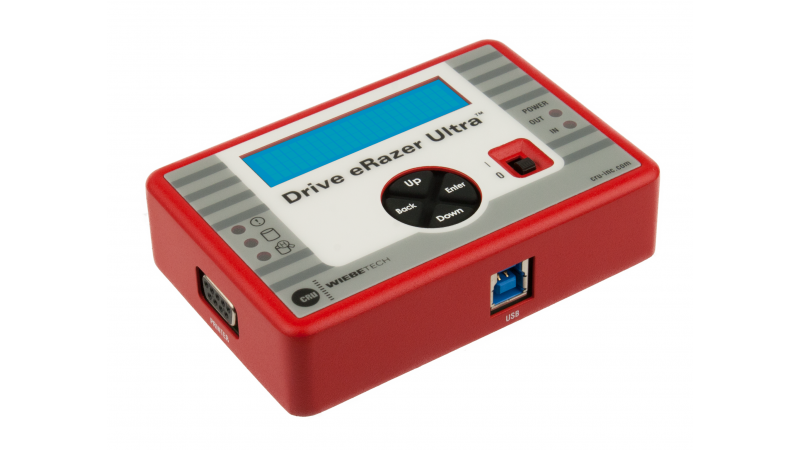
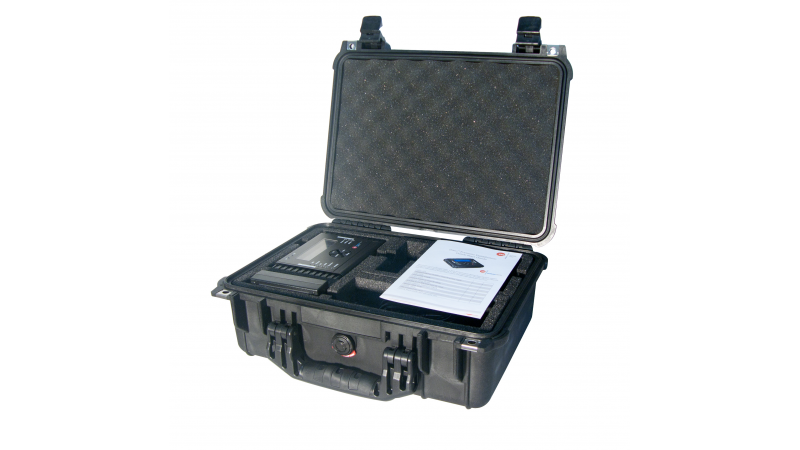
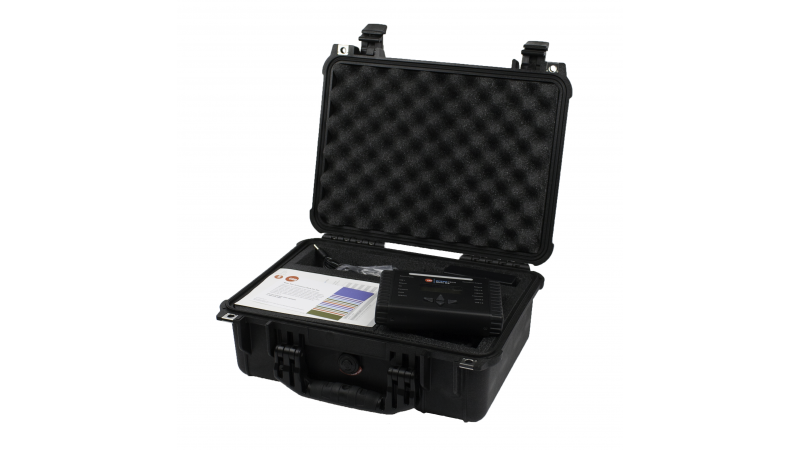
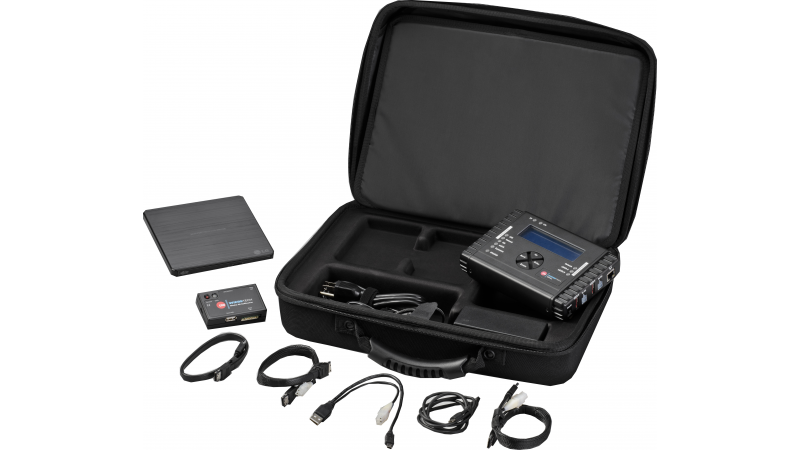
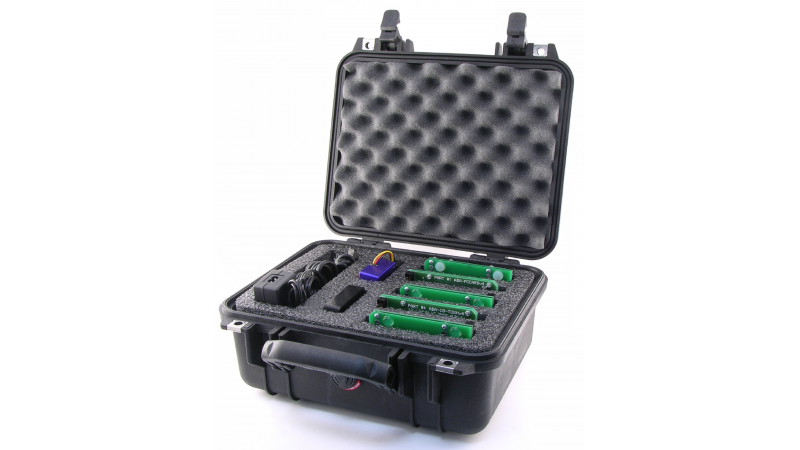
- Drive eRazer
- AC Adapter
- Information CD
- Limited Warranty Statement
|
|
|
|
|
Quick and Easy Hardware Solution that completely erases all data from a hard drive.
See a related paper "What's on your old hard drive? A look at digital security in hard drive disposal" by Justin Lauzet, an in depth review of hard drive disposal. Included is a study outlining what we recently found on drives purchased from eBay - files the owners probably didn't want us to see.

Before you dispose of or replace your hard drive ...
Remember all the data you saved on it ...
- Credit card numbers
- Corporate data
- Email address book / contact list
- Email conversations
- Financial data
- Legal documents
- Passwords
- Personal photos of friends and family
- Social Security numbers
- Software license keys
- Your name, address and phone number
- Web browser's history
Did you know?
- Deleting a file does not erase it from your hard drive!
- Formatting a hard drive does not erase the hard drive!
- It's possible (and sometimes easy) for someone else to recover files if you don't dispose of them properly!
What is Drive eRazer?
WiebeTech's hardware solution completely erases all data
from a hard drive quickly and easily. Stand-alone operation.
No computer required! Faster than software.
Why use hardware?
Drive eRazer is faster than software programs, and Drive eRazer doesn't
tie up a computer. What's more, it's far easier. Simply connect it to a drive
and flip a switch. No computer needed.
How fast is it?
Faster than software. A conservative estimate is 35MB/s. A 250GB drive
would be fully erased in under two hours.*
How safe is it?
Very. Drive eRazer writes zeros over every bit of your drive. After it's done,
there's nothing left to recover. For those who want even more assurance,
we offer a Pro model which is capable of secure erase, a method of drive wiping built into the firmware of many hard drives.
1. Single-Pass mode (Standard and Pro Model)
A single data pattern is written one time across the whole disk, deleting
blocks including partitions and Host Protected Areas. Verification is also
done after a single pass.
2. Secure Erase mode (Pro Model only)
The Pro model offers the ability to perform a "Secure Erase" pass. Secure Erase, built into modern hard drives, is a NIST certified method of wiping a hard drive - and it's now supported by Drive eRazer Pro.
How is Secure Erase mode different from single pass mode?
Secure Erase is a feature on many modern hard drives (greater than 15GB). This feature ships in the drive's firmware (written by the factory), and Drive eRazer can activate it at a hardware level.
Like single pass mode, Secure Erase mode also sequentially overwrites every single bit/track on the hard drive. Both modes overwrite data left at the end of partly overwritten blocks and directories. It better handles, however, data on "bad blocks" (single pass may stop and report an error at a bad block).
Secure Erase could be considered even more safe, too, since manufacturers will trigger specialized clearing commands, making sure to clear any drifting data in the otherwise untouched track margins on the drive platter.
NIST special publication 800-88 "Guidelines for Media Sanitization" addresses Secure Erase specifically:
|
"Degaussing and executing the firmware Secure Erase command (for ATA drives only) are acceptable methods for purging."
|
You should note that degaussing will usually destroy the target drive. Drive eRazer in any mode will not destroy the target drive (only the data).
We're confident there is no data recovery possible from either method.
So should I leave it set to single pass or Secure Erase?
If the target drive has Secure Erase available, you should set Drive eRazer to use it - most drives since the year 2001 will have it. If the target drive does not have Secure Erase, switch it to single pass mode and perform the erasure. Small disks (such as flash media erased with an adapter), will require single pass mode.
Most users will be best suited leaving it set to Secure Erase mode all the time, unless they are alerted by Drive eRazer that a specific drive does not have Secure Erase.
Secure Erase mode:
- Deletes all blocks including partitions and data hidden inside Host Protected Areas, even ones normally invisible to operating systems.
- Per industry specifications for the Secure Erase feature, will leave any HPA & DCO areas (which are partitions set in firmware) intact, though all data within them is deleted (along with all other data on the drive).
- is NIST approved method for purging data from hard drives (publication 800-88)
Does it meet DoD specifications?
The Department of Defense has recently (June 28, 2007) updated their
specifications regarding sanitization. Drive eRazer meets the DoD
requirements for "clearing" a "Non-Removable Rigid Disk." The
specification requires destruction of a hard drive containing government
classified data. As far as the DoD is concerned, Drive eRazer is as good
as it gets without a degaussing machine or other destructive methods.
Does it destroy the drive?
No. It only destroys the data. After using Drive eRazer you can choose to use the drive again or safely sell it.
What Operating Systems does it work with?
The nice thing about Drive eRazer is that you do not need to hook it up to a computer, and so there is no required operating system. Drive eRazer will erase Mac, Windows, Linux, already blank, or home-brew formatted disks quite easily.
What kind of drives does it work with?
There are 5 models of Drive eRazer.
| code | Secure Erase | drives |
| 31510-0003-0000 | No | 3.5" IDE/PATA |
| 31510-0003-0001 | No | 2.5"/3.5" SATA or IDE/PATA |
| 31520-0003-0000 | Yes | 3.5" IDE/PATA |
| 31520-0003-0001 | Yes | 2.5"/3.5" SATA or IDE/PATA |
| 31530-0001-0000 | Yes | 2.5" IDE/PATA, special model with sled for notebook drives |
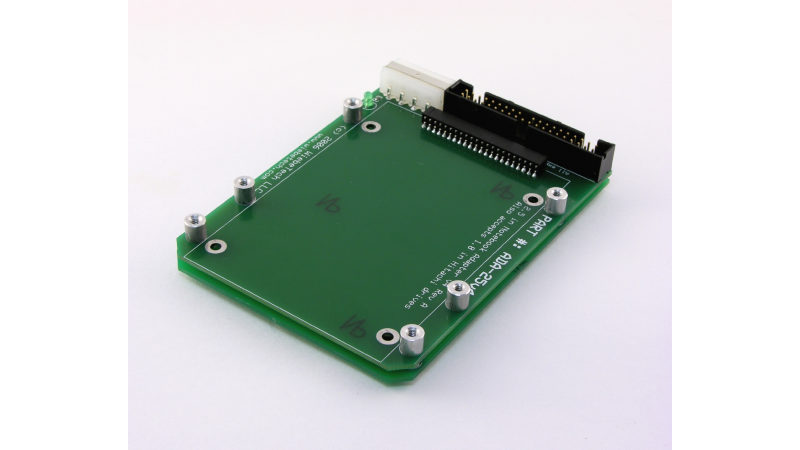
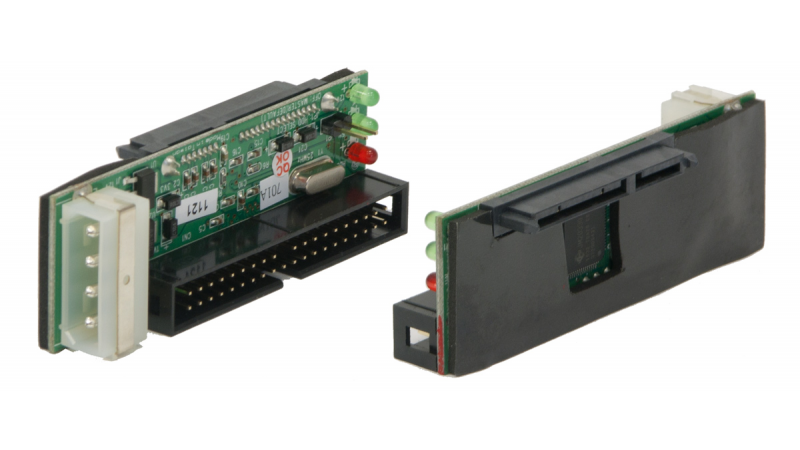
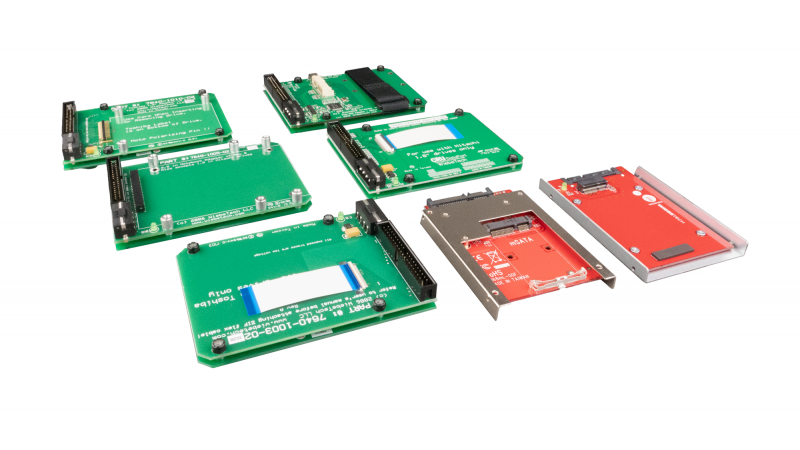
The Drive eRazer versatile bundle is the Pro model, along with adapters for 2.5" and 3.5" IDE/PATA and SATA drives.
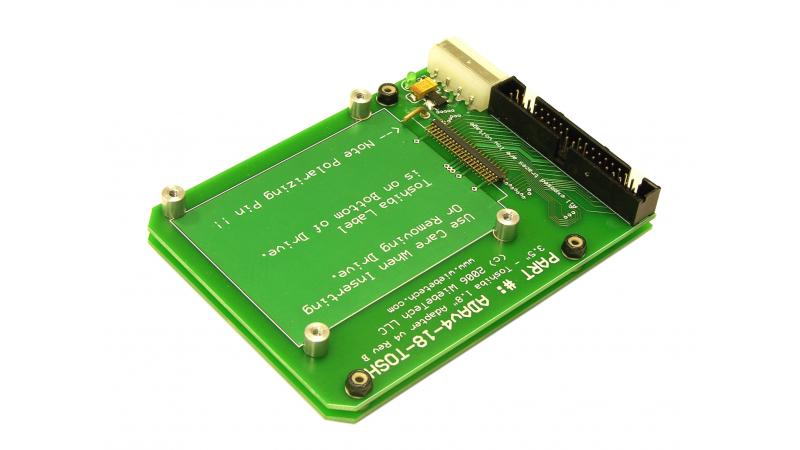
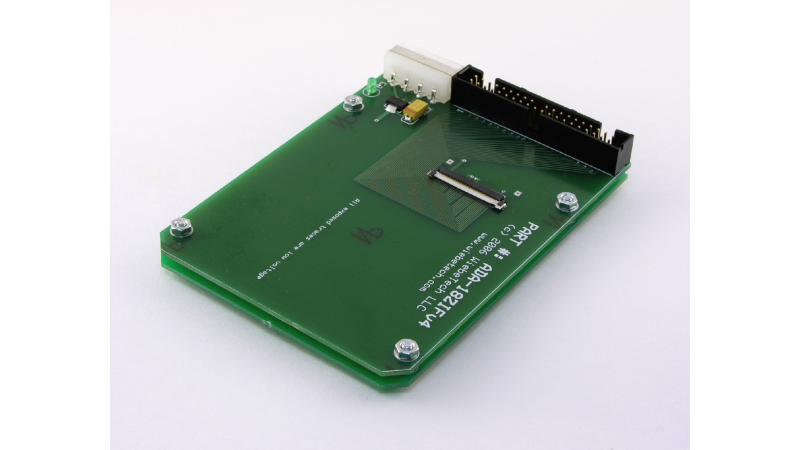
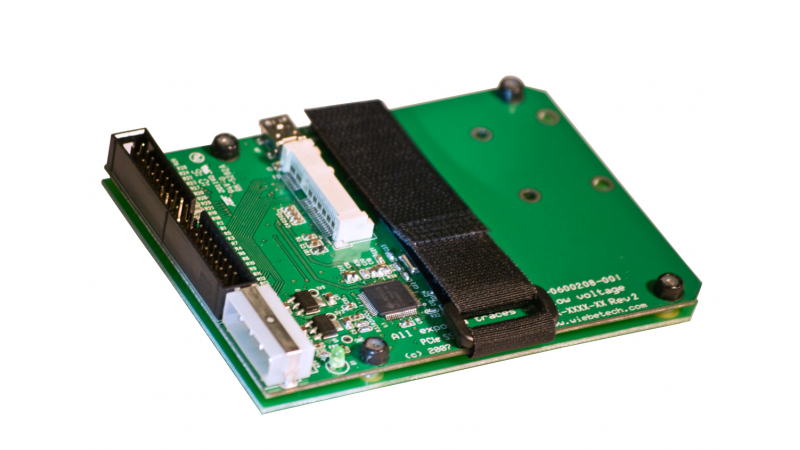
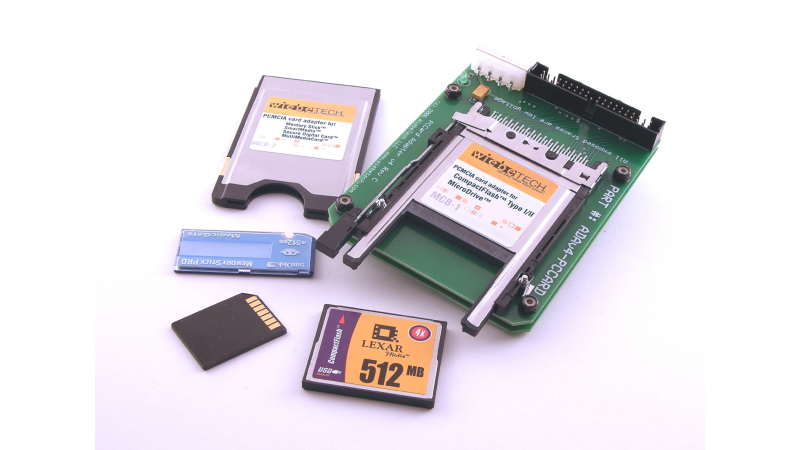
Do you need to erase even more types of media? Check out our v4 Combo Adapters, which work with Drive eRazer. With these adapters you can erase nearly any spinning drive.
Also consider
Molex Removal Tool - mrTool
Order code: 30000-0000-0000
4 pin "molex connectors" are well known for being a bear to unplug. Save yourself from hurt fingers and torn up fingernails with mrTool. This custom made aluminum device is perfectly suited for the task.
mrTool is a great companion for use with a Drive eRazer, ComboDock or Forensic ComboDock. Sold separately.
|
|
|
|
|
 |
| |
|
 |
 |
 |
 |
 |
 |
 |
| Product |
 |
Product Code |
 |
Price |
 |
Availability |
| Drive eRazer (Standard version); stand-alone product for quick & thorough erasing of 3.5-inch IDE/PATA hard drives; US power plug |  | 31510-0003-0000 |  | 102.00 |  |  | In stock | | Drive eRazer (Standard version); stand-alone product for quick & thorough erasing of 3.5-inch IDE/PATA hard drives; Euro power plug |  | 31512-0003-0000 |  | 102.00 |  |  | In stock | | Drive eRazer (Standard version); stand-alone product for quick & thorough erasing of 3.5-inch IDE/PATA hard drives; UK power plug |  | 31511-0003-0000 |  | 102.00 |  |  | In stock | | Drive eRazer Pro SE; stand-alone product for erasing 3.5-inch IDE/PATA hard drives; dual-mode operation; US power plug |  | 31520-0003-0000 |  | 153.00 |  |  | In stock | | Notebook Drive eRazer Pro SE; stand-alone product for erasing 2.5-inch PATA notebook drives, US power plug |  | 31530-0001-0000 |  | 153.00 |  |  | In stock | | Drive eRazer Pro SE; stand-alone product for erasing 3.5-inch IDE/PATA hard drives; dual-mode operation; Euro power plug |  | 31522-0003-0000 |  | 153.00 |  |  | In stock | | Drive eRazer Pro SE; stand-alone product for erasing 3.5-inch IDE/PATA hard drives; dual-mode operation; UK power plug |  | 31521-0003-0000 |  | 153.00 |  |  | In stock | | Drive eRazer Bundle (includes standard model plus adapters for SATA and 2.5-inch PATA drives); US power plug |  | 31510-0003-0001 |  | 172.00 |  |  | In stock | | Drive eRazer Pro SE Bundle (includes Pro model plus adapters for SATA and 2.5-inch PATA drives); US power plug |  | 31520-0003-0001 |  | 223.00 |  |  | In stock | | Drive eRazer Pro SE Bundle (includes Pro model plus adapters for SATA and 2.5-inch PATA drives); UK power plug |  | 31521-0003-0001 |  | 223.00 |  |  | In stock | | Drive eRazer Pro SE Bundle (includes Pro model plus adapters for SATA and 2.5-inch PATA drives); Euro power plug |  | 31522-0003-0001 |  | 223.00 |  |  | In stock |  | | Due to current high demand of WiebeTech products, your order may take 3-5 days to ship. |
|
|
|
|
 |
|
|
|
|
 |
August 09, 2010
June 04, 2010
May 31, 2010
May 12, 2010
May 04, 2010
April 06, 2010
February 17, 2010
February 08, 2010
October 26, 2009
|
 |
 |
|
|
|
|
|
We don't want anything to go wrong with your WiebeTech product. But if it does, Tech Support is standing by and ready to help. We offer phone support and online assistance to help you get the answers you need.
|
|
|
|
|
|
|
|
When you buy a drive from WiebeTech, we go the extra mile to make sure your product works for your computer.
Before your order is shipped, it is individually tested and formatted to your needs whether it is Mac, PC or both.
|
|
|
|
|